
Custom Software Development
Software Development · From £2,500
Custom Software Development
VELORIQ
Software Ltd
Software Development · Service 02
Browser-based applications, client portals and management platforms that work properly on every device your users bring.
What this service is
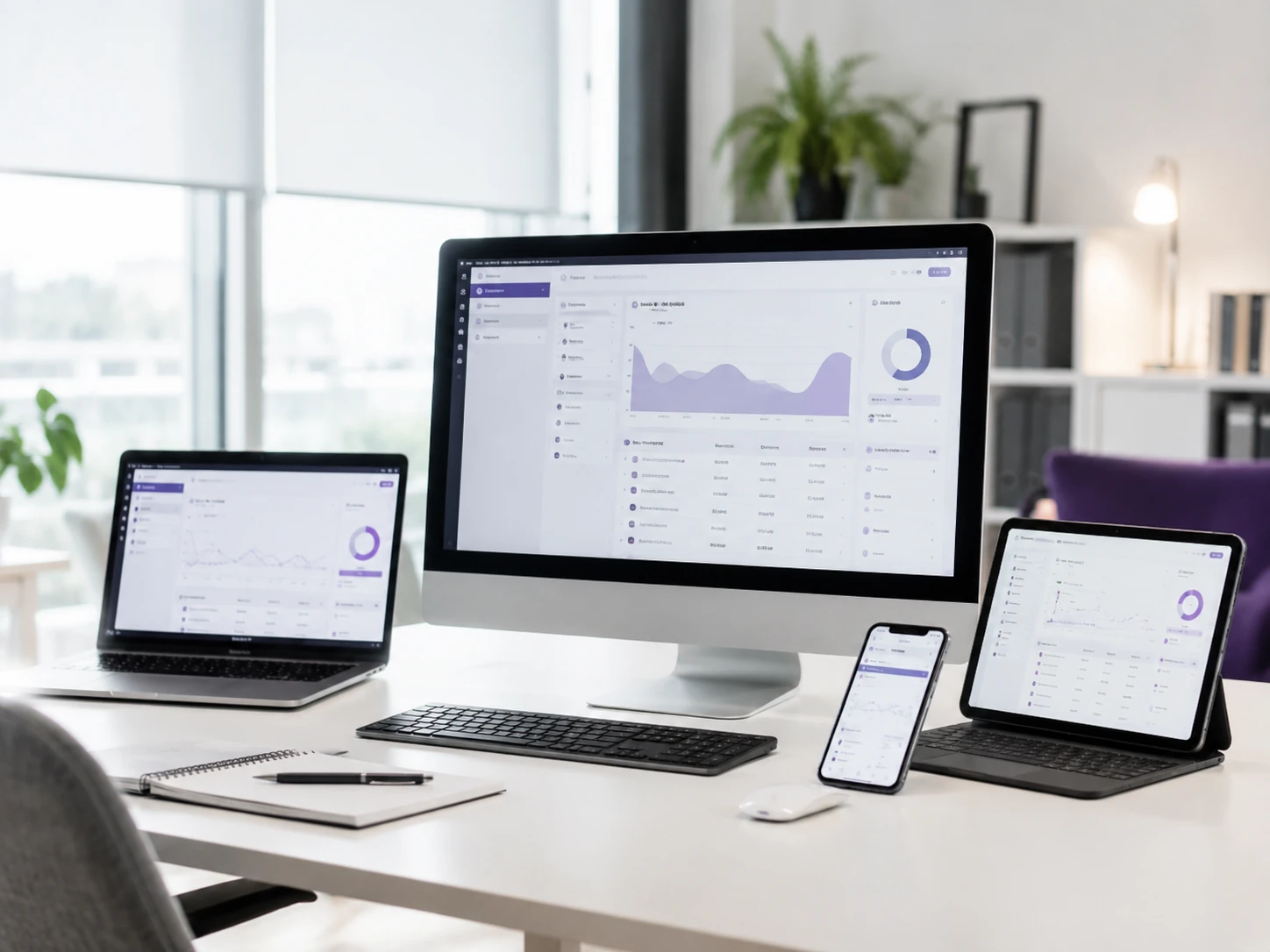
A web application is business software delivered through the browser. There is nothing to install, updates reach everybody at once, and the same system can serve office staff on a desktop, field staff on a phone and customers on whatever device they happen to own.
That convenience is only real if the application is built for it. We design web applications around genuine use: readable on a small screen without pinching, quick on an average connection, usable with a keyboard, and secure enough to hold information your customers expect you to protect.
What we can deliver
Not every engagement includes every item. Your quotation lists exactly what is in scope and what is not.
Screen-by-screen design of the real tasks, reviewed with you before development, including the mobile layout rather than a shrunken desktop one.
Layouts deliberately designed for desktop, tablet and phone, tested on real devices and browsers.
Server-side logic, validation and a documented interface that other systems can use later.
Sign-in, password rules and reset, session handling, optional two-factor authentication and single sign-on where required.
The internal tooling you need to run the service: user management, configuration, support views and correction of mistakes.
Semantic markup, keyboard operation, focus states, contrast and labelling aligned to WCAG 2.1 AA good practice.
Sensible caching, image handling and database indexing, deployed to a hosting arrangement sized for your usage.
Source code, environment documentation, API reference and a walkthrough for your team.
Business problems we solve
If more than two of these describe your organisation, the conversation is usually worth having.
Visual model
Drawn for this page in SVG. Nothing here is stock imagery.
Our approach
The parts of the method that matter most on this kind of engagement.
We list what people need to accomplish and how often, then design the interface around frequency and urgency rather than around a menu structure.
Small-screen layouts are designed as their own composition. Reflowing a desktop grid is not a mobile design.
A documented interface underneath the application means later integration, a mobile app or a partner feed does not require rework.
Input validation, output encoding, access checks on every request, secure session handling, rate limiting on sensitive routes and dependency review.
Load performance, interaction responsiveness and layout stability are checked as part of delivery, not assumed.
Common use cases
Practical examples rather than industry categories — the pattern matters more than the sector.
Secure accounts where customers see orders, jobs, documents, invoices and correspondence without contacting your team.
The day-to-day system your staff work in, replacing a mixture of spreadsheets and disconnected tools.
Live views of throughput, workload, exceptions and performance, aimed at the people who act on them.
Availability calculated from real constraints — staff, skills, rooms, equipment and travel time.
Controlled access for third parties to submit, review or update information without email attachments.
Structured forms, inspections and checklists completed on site, including in poor connectivity.
Project stages
Each stage has a defined output and a review point. You always know where the work stands.
User roles, journeys, screens and non-functional requirements agreed and written down.
Interface design across breakpoints, reviewed and signed off before build.
Front end, API and data layer developed together in reviewable increments.
Security review, accessibility checks, performance tuning and cross-browser testing.
Production deployment, monitoring, and support through the first period of live use.
Technical capabilities
Capability relevant to this service. We do not list technology we would not actually recommend.
Who this service is for
We work with B2B companies, organisations and private clients. The requirement matters more than the size of the buyer.
Related services


Service FAQ
No. A website presents information; a web application does work. Applications involve accounts, permissions, business rules, data validation, state that persists between sessions and usually integration with other systems. The engineering, testing and security requirements are substantially different.
Yes, and the small-screen experience is designed rather than inherited. We decide what belongs on a phone, how tables and dense data should behave, and how touch targets and forms should work, then test on real devices.
Our focus is browser-based applications, which cover the large majority of business requirements without app store distribution or separate builds. Where a native app is genuinely necessary — typically for hardware access or heavy offline use — we will say so and help you scope it, and the API we build supports it.
Through the standard controls applied consistently: validated input, encoded output, authorisation checked on every request rather than hidden in the interface, secure password storage, protected sessions, encrypted transport, rate limiting on sensitive endpoints and review of third-party dependencies.
Yes, and it is common. One application with distinct roles gives customers a limited view of the same records your staff work with, which avoids the synchronisation problems that arise when the two are separate systems.
Tell us what you are trying to achieve and we will come back with a clear view of the scope, the approach and the cost.